Description
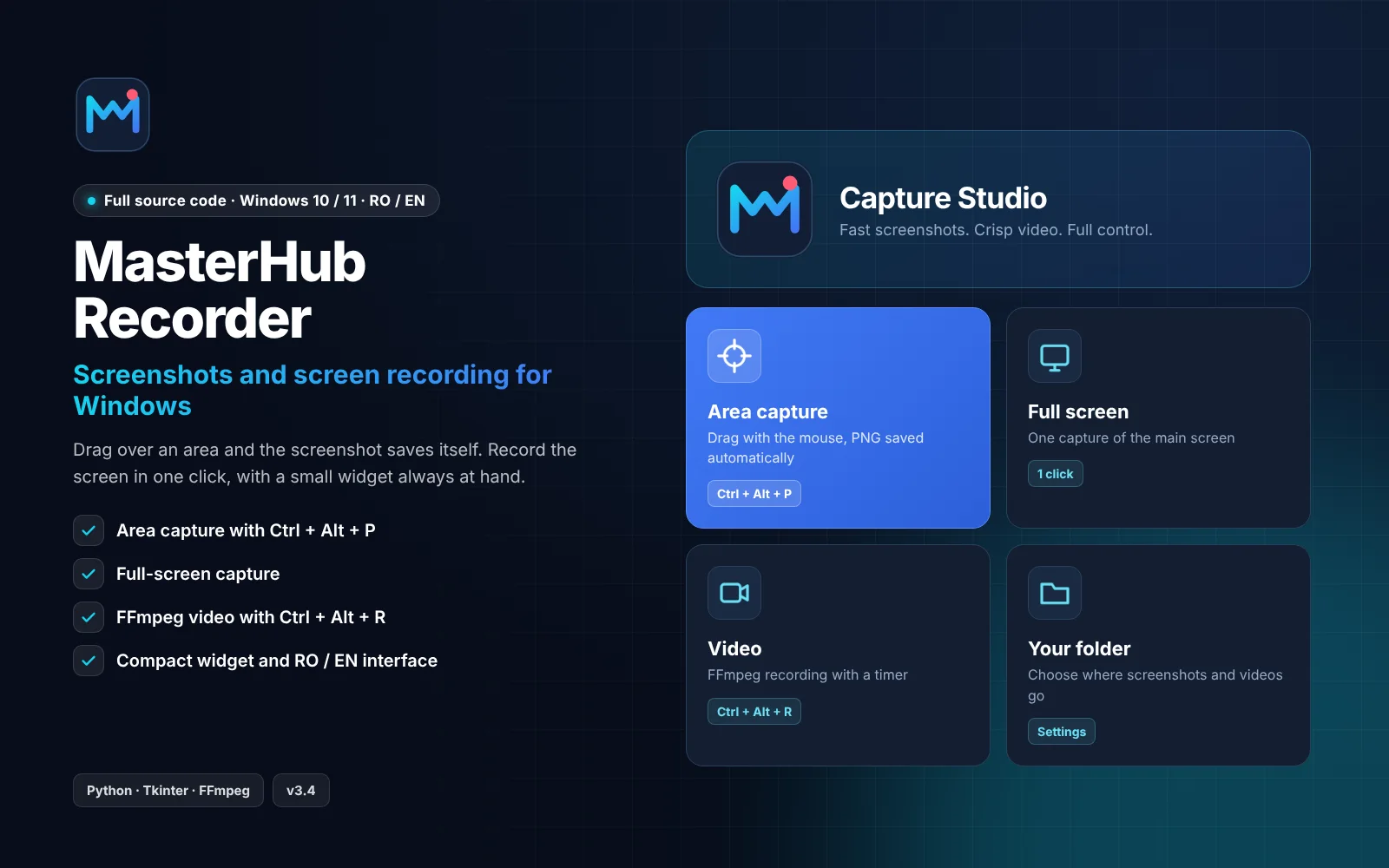
MasterHub Recorder is a small Windows program that takes screenshots and screen recordings quickly, without complicated menus.
What it does:
• Area capture (Ctrl + Alt + P): click once, drag over the area you want and the PNG saves automatically. ESC cancels.
• Full-screen capture with a single button.
• Video (Ctrl + Alt + R): start and stop recording with a timer, using FFmpeg. Record the full screen or the last selected area.
• Choose the video quality, frames per second and the folder where files are saved.
• A compact widget, always at hand, that you move by dragging the logo.
• Interface in English and Romanian.
What you get: the full source code (Python, Tkinter), the icons, the scripts that build the .exe app and the installer on Windows (with PyInstaller and Inno Setup) and the instructions in English and Romanian.
How to start: unzip on Windows, outside OneDrive, and double-click START_AICI_DUBLU_CLICK.cmd. The script installs what is missing (Python, FFmpeg, Inno Setup) and builds the app and the installer.
What you get
- Full Python / Tkinter source code
- Scripts for the .exe and a Windows installer
- Icons and logo included
- Ctrl + Alt + P and Ctrl + Alt + R shortcuts
- Interface in English and Romanian
- One-off payment, no subscription
You may also like
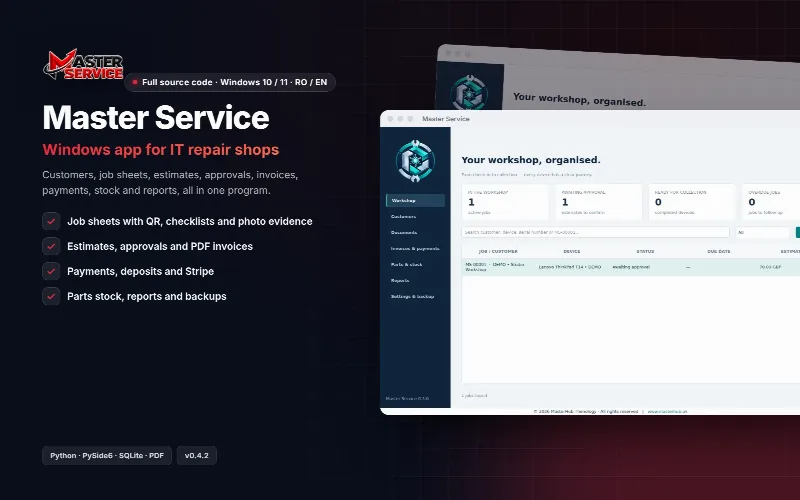 Master Service — Windows app for IT repair shops (source code)A complete program for an IT repair shop: customers, job sheets, estimates, approvals, invoices, payments, stock and reports. Full source code, in English and Romanian.€58.99Details →
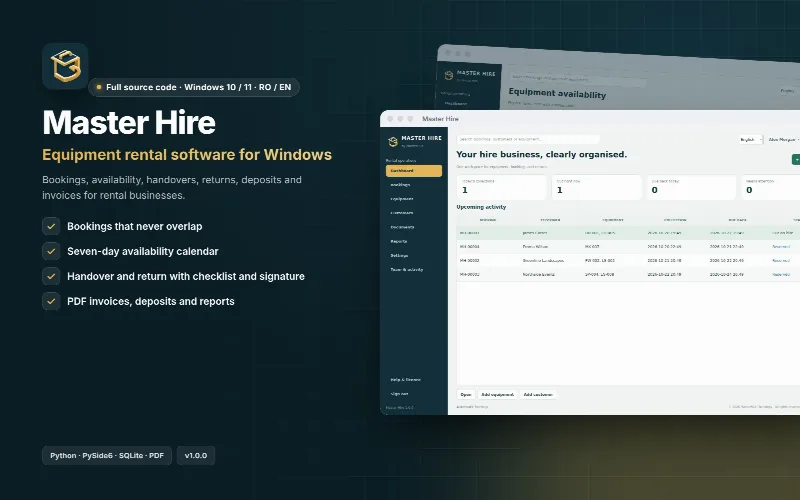 Master Hire — equipment rental software for Windows (source code)Bookings, availability, handovers, returns, deposits and invoices for rental businesses. Full source code, in English and Romanian.€46.99Details →
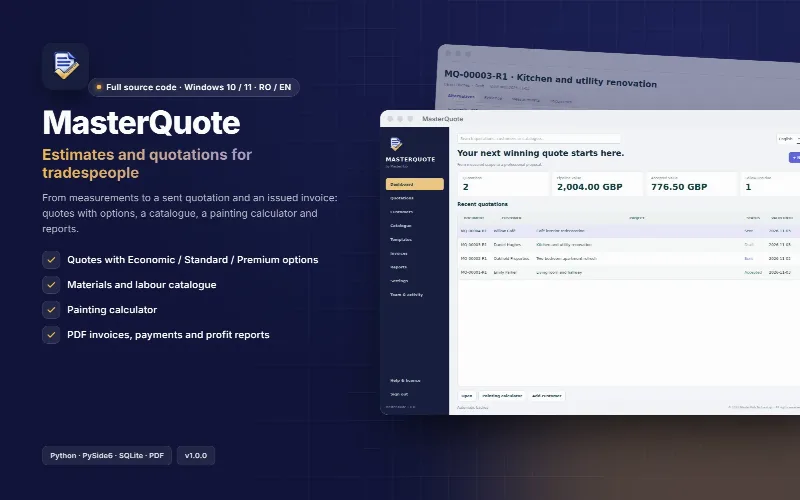 MasterQuote — estimates and quotations for tradespeople (source code)Quotes with options, a materials and labour catalogue, a painting calculator, invoices and profit reports. Full source code, in English and Romanian.€46.99Details →