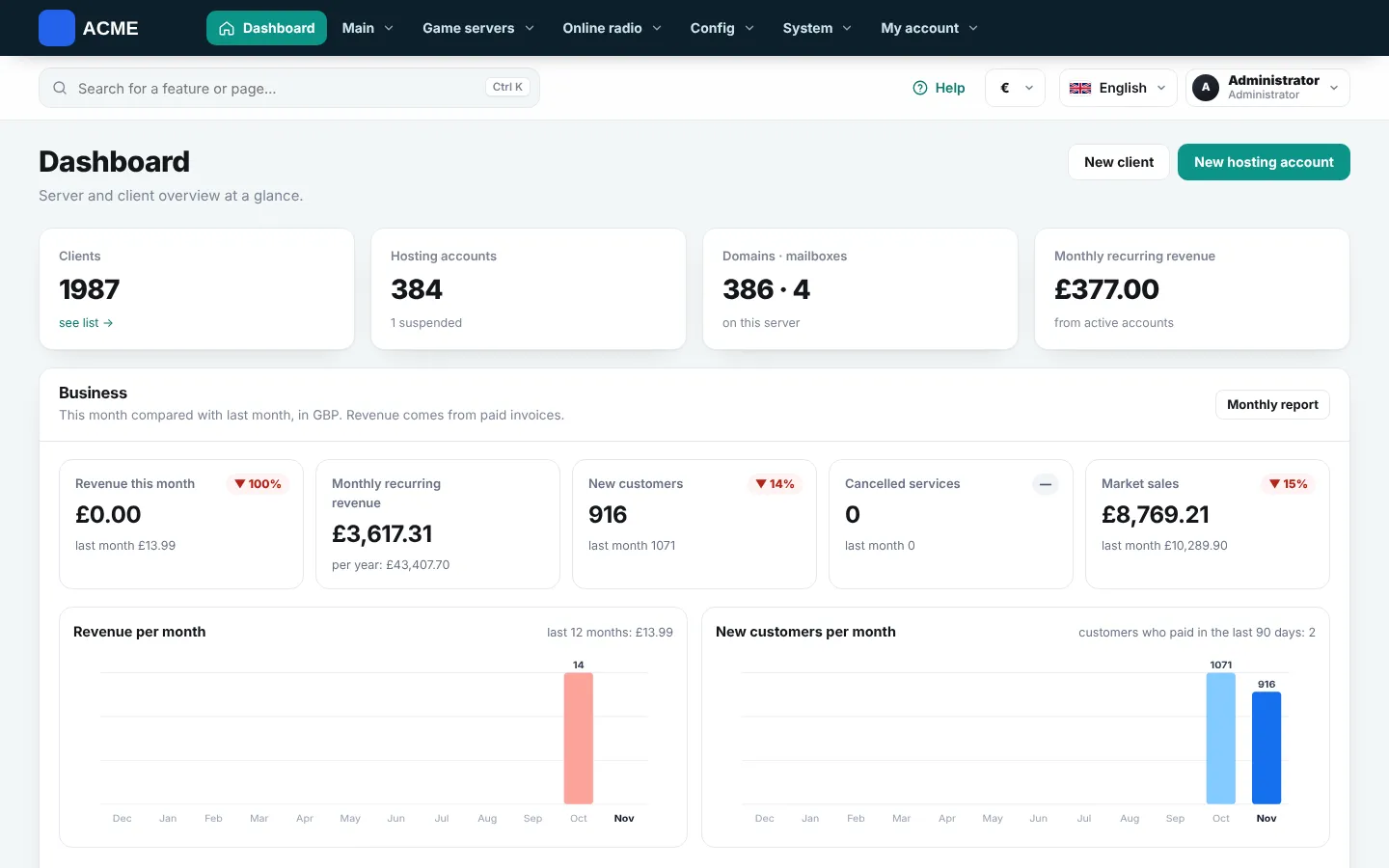
Description
The menu sits on one bar at the top, with drop-down menus per group. The content uses the full width of the screen.
The theme only changes how the MasterHub panel looks (colours, light or dark mode, where the menu sits), never the features or the data. It works for the admin and for clients.
How to install it:
1. Download the .zip file.
2. In the panel, go to Admin → Panel themes → Install a theme and upload the .zip.
3. Make it the default theme, or tick it so clients can choose it in “My profile”.
What you get
- The theme as a .zip, ready to upload
- Works on desktop and on phones
- For the admin and for clients
- Free updates
- Requires MasterHub Panel v353 or later
You may also like
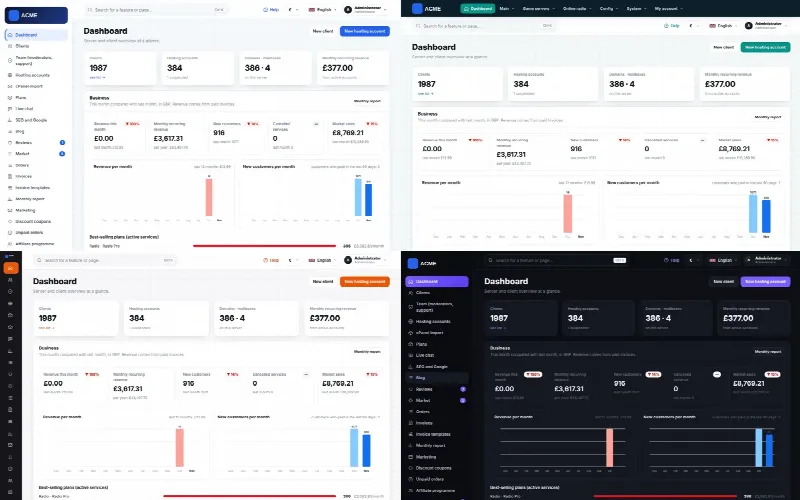 4 panel themes bundleAll four themes in one bundle: Bright, Top menu, Compact and Dark. Cheaper than buying them separately.€34.99Details →
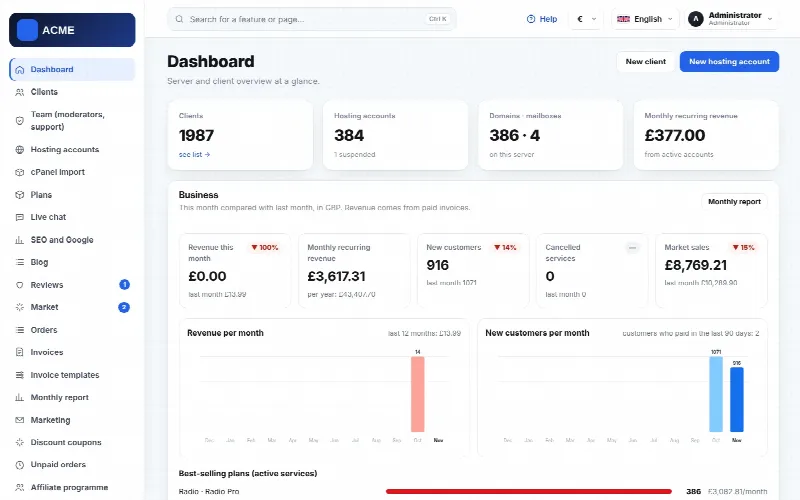 Bright panel themeA white menu on the left, blue accents and rounded corners. Airy and very easy to read.€10.99Details →
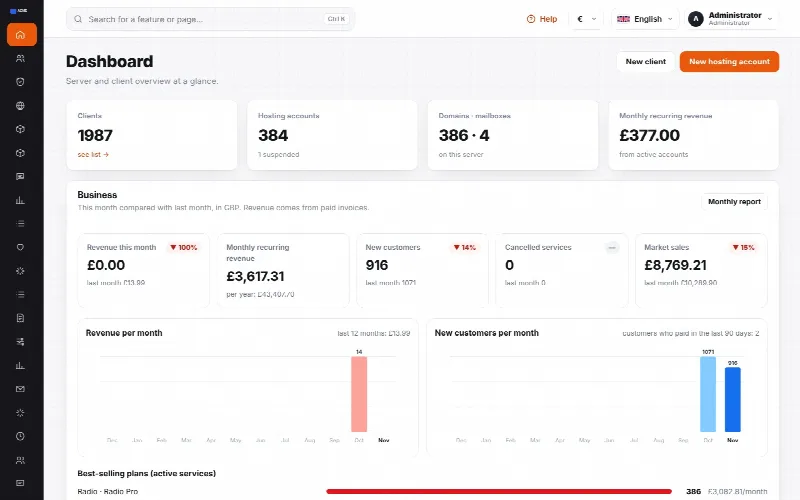 Compact panel themeA narrow icon bar that opens when you hover over it. More room for tables, files and the console.€10.99Details →